
Flight Controller Wiring Diagram for FPV Drones: Full Guide
Posted by Roman on 9th Oct 2026
How to Wire a Flight Controller on an FPV Drone: Pads, Power and Ports
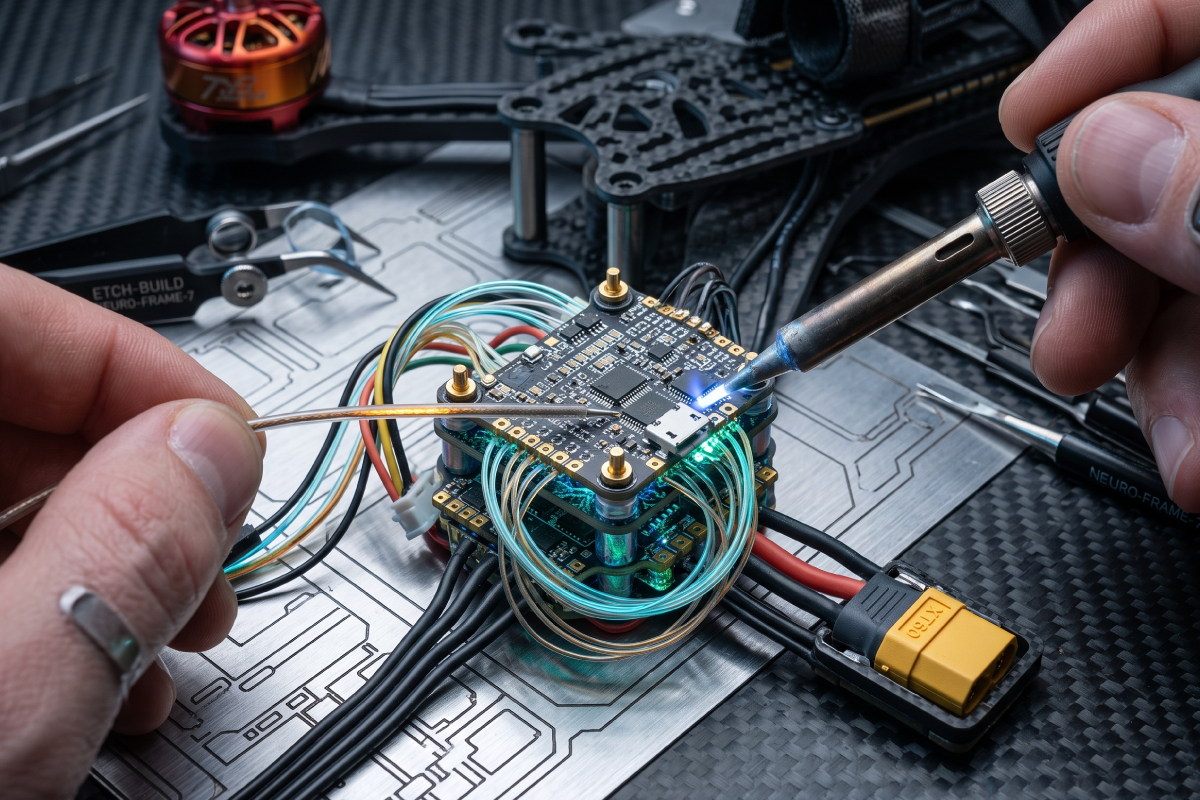
A flight controller is the board every other part of an FPV build connects to — the receiver, ESC, VTX, camera, and often GPS all land on its pads sooner or later. It's also the step where most first builds go wrong, since a single reversed connection can take out the board before it leaves the bench. This guide is a full flight controller wiring diagram: what each pad and port does, and the order everything should be connected in. It covers a standard 5-inch build with a 4-in-1 ESC, the setup most people wire first. For reference, browse current FPV drones builds.
What You Need Before You Start Wiring
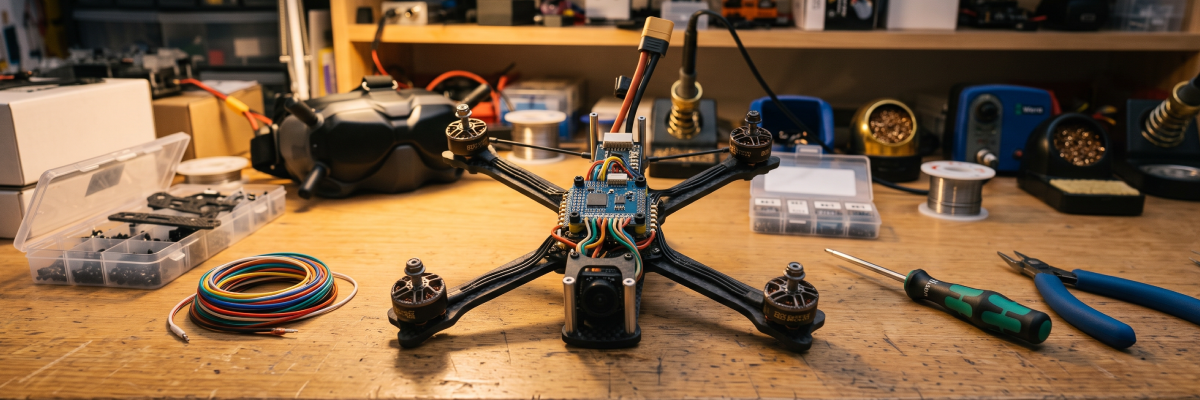
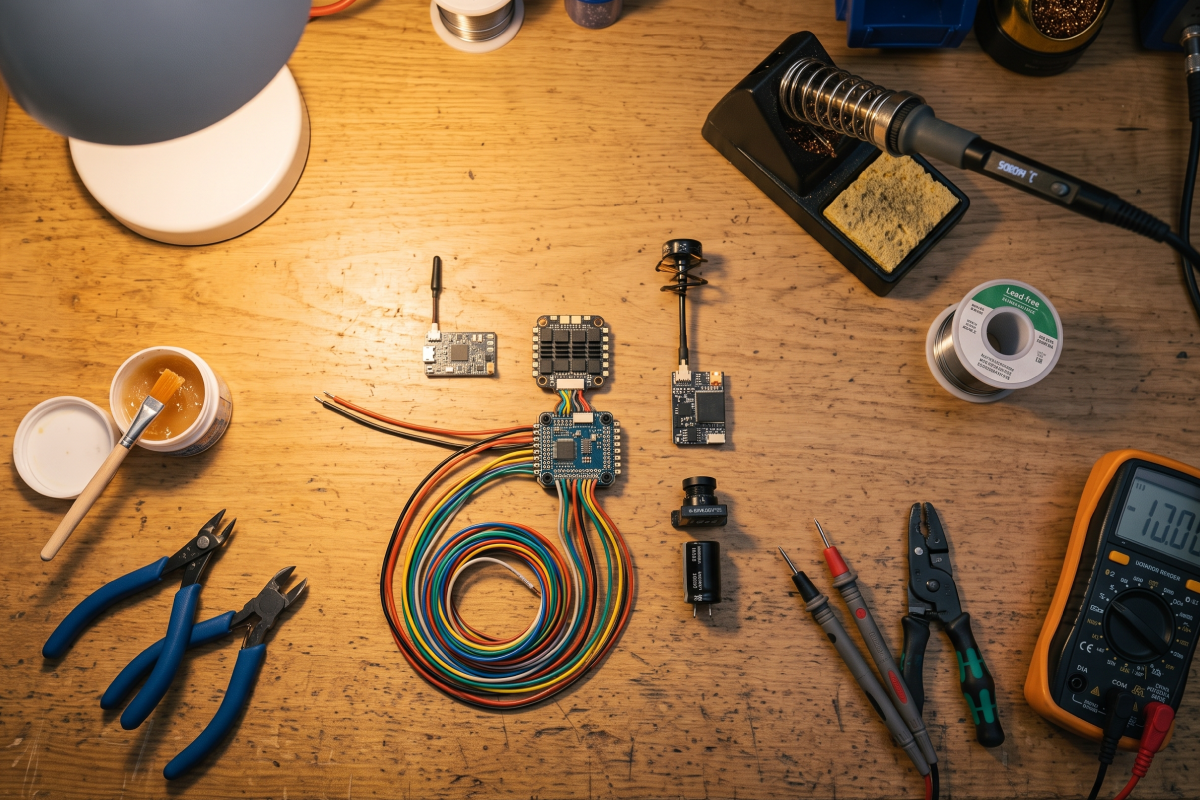
Before the soldering iron goes anywhere near the board, get these on the table:
- A soldering iron with a temperature setting — 320–350°C is the usual range — and a chisel tip.
- 60/40 leaded solder, flux, a wire cutter, and stripper.
- Silicone-insulated wire: 16–18 AWG for battery leads, 26–28 AWG for signal wires.
- A multimeter, for continuity and short checks.
- The parts themselves: flight controller, a 4-in-1 ESC (or four single ESCs), receiver, VTX, camera, and capacitor.
- A copy of the wiring diagram for your exact board, since pad labels differ between manufacturers.
Basic tool kits cover most of this in one box.
Flight Controller Pads and Ports Explained
Every solder pad on a flight controller has one fixed job, and reading the board before soldering prevents most of the damage on a first build.
|
Pad / port |
What it does |
What connects to it |
|
VBAT / BAT+ |
Raw battery voltage input |
LiPo battery or 4-in-1 ESC |
|
GND |
Common ground |
Every component in the build |
|
5V |
Regulated 5V output from the BEC |
Receiver, FPV camera, LEDs |
|
9V / 10V |
Regulated output for video gear |
VTX |
|
M1–M4 |
Motor signal pads |
ESC signal wires |
|
UART TX / RX |
Serial data ports |
Receiver, VTX, GPS |
|
CUR |
Current sensor signal |
4-in-1 ESC |
|
LED |
Addressable LED data line |
LED strip |
|
BZ / BUZZ |
Buzzer output |
Buzzer |
|
BOOT |
Firmware recovery |
Bridged only during flashing |
Pads on the underside are usually power and motor outputs, while smaller edge pads carry data. Labels vary between manufacturers, so the board's own pinout sheet always overrides a generic FPV drone flight controller wiring diagram like this one — the drone store product page for your exact board is often the fastest way to find that sheet.
How to Power a Flight Controller: VBAT, BEC and Voltage Outputs
In a standard stack, the battery connects to the 4-in-1 ESC through an XT60 connector, and the ESC feeds the flight controller through the ribbon cable. With four single ESCs, the battery leads solder directly to the VBAT and GND pads instead. The BEC on the board steps battery voltage down to regulated 5V and 9V outputs: the 5V rail powers the receiver, camera, and LEDs, while the 9V or 10V rail powers the VTX. Check the current rating of each rail before loading it — an overloaded BEC is a common cause of in-flight brownouts. A low-ESR capacitor across the battery pads is not optional on a 6S build; it absorbs the voltage spikes the motors throw back at the board.
Motor Signal Pads and the ESC Connection
With a 4-in-1 ESC, one ribbon cable carries battery voltage, ground, the four motor signals, the current sensor line, and telemetry in a single plug. With four separate ESCs, each signal wire runs to its own motor signal pad, and every ESC ground returns to the board. Motor numbering on the board doesn't need to match the physical motor positions — the order gets corrected later in Betaflight, not at the iron. Motor wires solder to the ESC, not the flight controller, and motor direction is set in software too, so it never requires re-soldering. Pair whichever brushless motors you're running with an ESC rated for their current draw.
Flight Controller UART Ports Explained
A flight controller UART is a two-wire serial port—one TX pad and one RX pad—and every board has a limited number of them. TX and RX are always cross-connected: the board's TX goes to the device's RX, and the device's TX goes to the board's RX. Some devices need only one wire, freeing the second pad for something else. Free UARTs, more than any other spec, are the real limit on how many components a build can carry.
|
Device |
Pads used |
Note |
|
Receiver (SBUS / CRSF) |
TX + RX |
Cross-connect, plus 5V and GND |
|
VTX (SmartAudio / Tramp) |
TX only |
Lets the goggles change channel and power |
|
GPS |
TX + RX |
Needs a full UART |
|
Camera control |
TX only |
Optional, board-dependent |
Each port still needs to be assigned in the Betaflight Ports tab to match what's plugged into it. A device wired correctly but never enabled in software will simply sit there and not respond.
Full Flight Controller Wiring Diagram: Step by Step
This drone flight controller wiring diagram breaks the process into steps, in the order they should happen:
- Tin every pad you plan to use before a wire ever touches the board.
- Solder the capacitor across the battery pads first, while there's still clear access.
- Connect the 4-in-1 ESC to the flight controller with the ribbon cable, or solder the battery leads to VBAT and GND.
- Solder the motor signal wires if you're running single ESCs.
- Wire the receiver to a free UART, plus 5V and GND.
- Wire the VTX to the TX pad of a second UART, plus the 9V rail and GND.
- Wire the camera to 5V and the video-in pad.
- Check every joint against the diagram before the stack is bolted together.
- Test continuity between VBAT and GND with a multimeter — any reading close to zero means a short.
- Power the board over USB only, with no battery connected, and confirm it enumerates in Betaflight.
[Insert the main wiring diagram image here.]
Flight Controller Wiring for Beginners: What Goes Wrong at the Iron
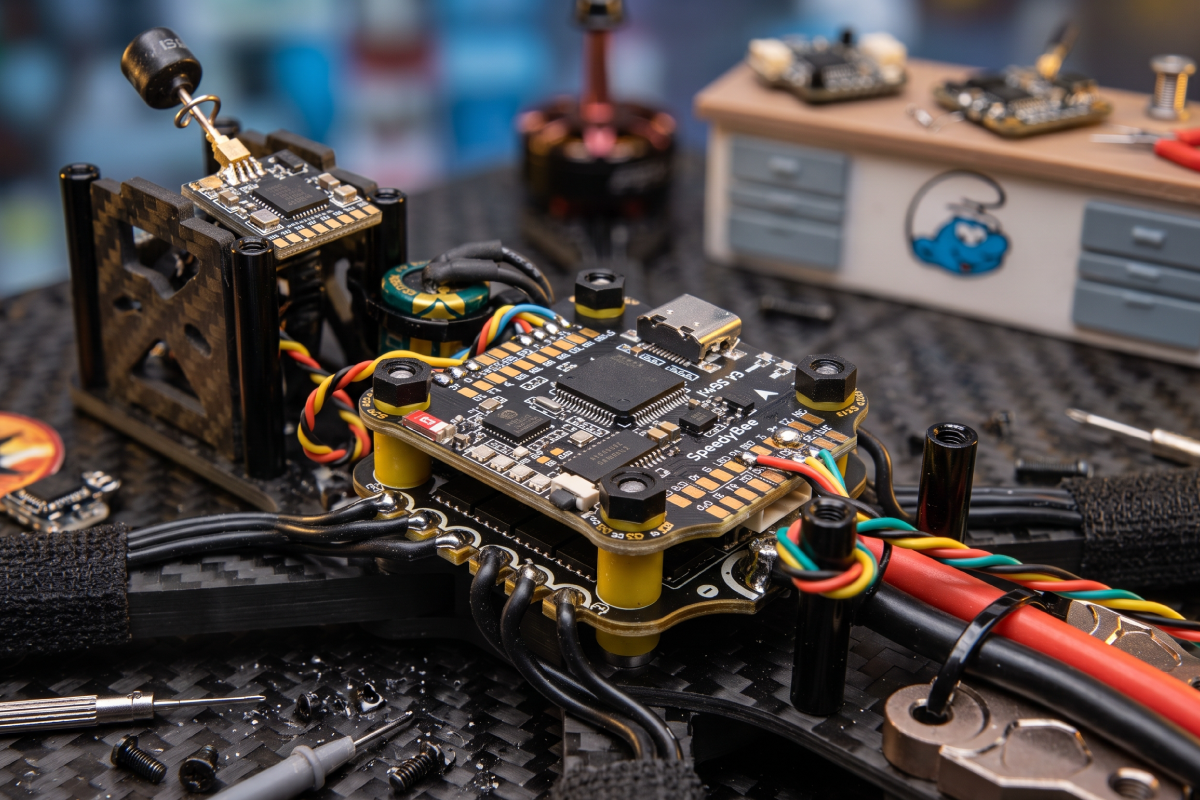
Pre-tin both the pad and the wire, then join them, rather than melting solder onto a cold pad — it's the single habit that fixes most beginner joints. A good joint looks shiny and slightly domed; a dull grey blob is a cold joint that fails under vibration sooner or later. Keep the iron on a pad for no more than two or three seconds, since sustained heat lifts pads off the board. Strip only as much insulation as the pad needs, so no bare strand touches a neighboring pad. Use flux to make solder flow, instead of adding more solder. Once everything tests good, a dab of hot glue over each joint stops vibration from loosening it.
Common Flight Controller Wiring Mistakes
Even once you know how to wire a flight controller correctly, a handful of small errors show up on almost every first build:
- Reversed battery polarity — destroys the board instantly, no warning.
- Powering a VTX from the 5V rail when it needs 9V, or the reverse — it won't turn on.
- A bridged pad between two signal lines — causes erratic or crossed motors.
- A forgotten ground connection — shows up as video noise, not an obvious failure.
- Skipping the capacitor — rolling-shutter effect and unstable video.
- Connecting TX to TX instead of crossing the pair — powers up but stays silent.
- Plugging in the battery before a continuity check — the fastest way to a dead board.
A smoke stopper, or a current-limited first power-up, turns most of these into a recoverable event instead of a write-off.
First Power-Up and Pre-Flight Checks
Before the first flight, run through this list on the bench:
- Propellers off for every bench test.
- USB power first, then battery through a smoke stopper.
- Confirm the board is recognized in Betaflight and the accelerometer responds to movement.
- Assign each UART in the Ports tab and confirm the receiver, VTX, and GPS report back.
- Check motor order and direction in the Motors tab.
- Verify battery voltage reads correctly on screen.
- A final visual inspection of every joint before the stack is closed.
From here, the build is ready for the field — browse the current flight controllers range if you're still filling out the parts list.
FAQ
What connects to a flight controller on an FPV drone?
The ESC supplies power and receives motor signals, the receiver delivers control input, the VTX and camera handle video, and optional parts like GPS, LEDs, and a buzzer take the remaining pads. Each one also needs a ground connection back to the board.
What is a UART on a flight controller?
A flight controller UART is a serial port made of one TX pad and one RX pad. Each connected device that sends or receives data—receiver, VTX, GPS—uses one. UART count sets the practical limit on how many components a build can run.
Do I need to solder to wire a flight controller?
In most builds, yes. Some boards ship with plug-in connectors for the receiver and VTX, but battery leads, motor signals, and the capacitor still need soldering. Plug-in connections alone won't survive a crash.
Why does my flight controller not power up on battery but works on USB?
USB powers the board directly, so a working USB connection only proves the processor is alive. If battery power does nothing, the fault is usually the VBAT connection, the ESC ribbon cable, or a damaged BEC.
Do I need a capacitor on a flight controller?
Yes, on any modern build, especially 6S. The low-ESR capacitor across the battery pads absorbs voltage spikes from the motors. Without it, video shows interference, and the board is exposed to spikes that shorten its life.
Does motor wiring order matter?
No. Betaflight corrects motor order and direction, so you don't need to re-solder wires if the numbering comes out wrong.